-
E-mail
sales-sci.cn@horiba.com
-
Phone
13681872955
-
Address
Unit D, 1st Floor, Building A, Lianqiang International Plaza, 1068 Tianshan West Road, Shanghai
HORIBA (China)
Proper use of resonance Raman spectrometer to provide more detailed chemical composition information
Date: 2025-08-07Read: 2
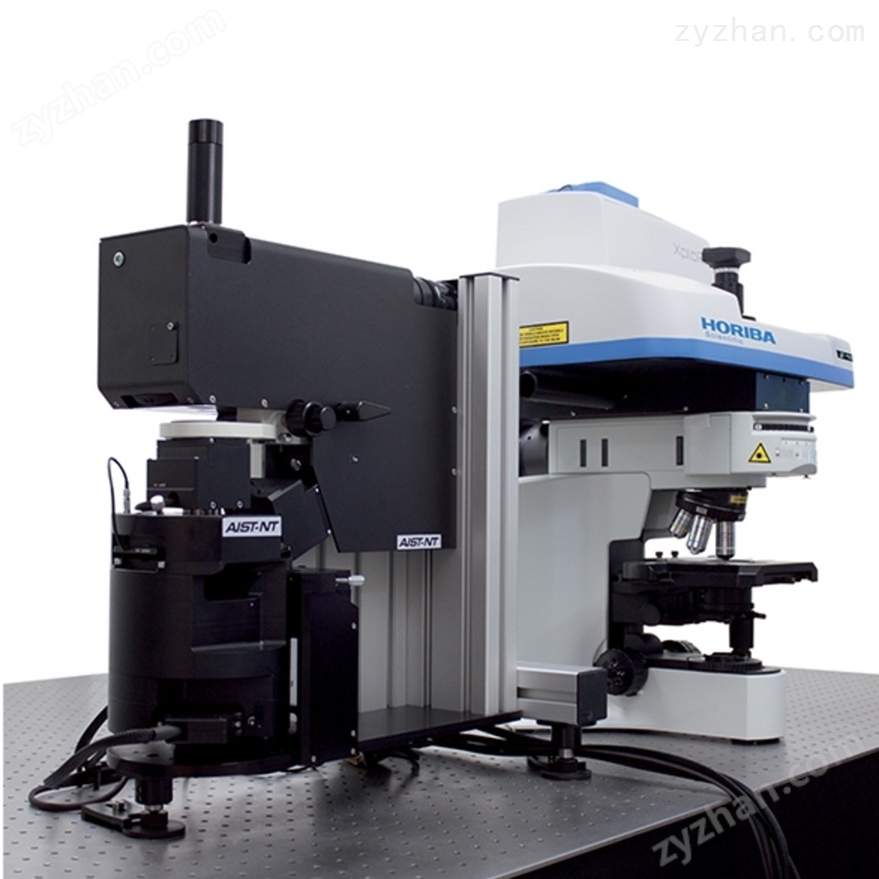
In modern scientific research and industrial testing, resonance Raman spectrometer, as a high-precision analytical tool, is widely used in materials science, chemical analysis, biomedical and other fields. It enhances Raman scattering signals by exciting electronic transitions of sample molecules using a fixed wavelength laser, thereby providing more detailed chemical composition information. Understanding the correct usage of resonance Raman spectrometer can not only improve work efficiency, but also extend its service life and ensure operational safety.
1、 Pre boot settings
1. Cleaning and Preparation
Internal cleaning: When not in use for a long time, the interior of the instrument should be cleaned to remove dust and debris and avoid contaminating the sample.
Sample preparation: Prepare the test sample according to the experimental requirements, and ensure that the surface of the sample is clean and flat to obtain good measurement results.
2. Parameter settings
Laser wavelength selection: Select the appropriate laser wavelength based on the characteristics of the sample, usually choosing a wavelength that matches the absorption peak of the sample molecule to enhance the Raman signal.
Exposure time setting: Based on the Raman signal intensity of the sample, set the exposure time reasonably to avoid overexposure or underexposure.
2、 Detailed explanation of operation steps
1. Power on and start up
Connect power supply: Insert the power cord into a suitable socket and ensure that the plug is inserted into the socket to avoid poor contact causing faults.
Press the power button: Press the power button or use the touch screen to start the device. At this point, the current working status and preset parameters will be displayed on the screen.
2. Calibration and Debugging
Laser calibration: Perform laser calibration according to the instructions to ensure that the laser beam is accurately irradiated onto the surface of the sample, and adjust the laser power to the appropriate level.
Spectral calibration: Use standard substances (such as silicon wafers) for spectral calibration to ensure wave number accuracy.
3. Load sample
Sample placement: Open the sample chamber door and carefully place the sample to be tested on the sample table, ensuring that the sample position is appropriate and the laser beam can accurately irradiate the surface of the sample.
Close the door: Gently close the sample chamber door to ensure good sealing and avoid external interference affecting the measurement results.
4. Start measurement
Start measurement: After confirming that all parameter settings are correct, press the start button and the device will start measuring according to the set parameters.
Monitoring process: Real time monitoring of the measurement process through a display screen to ensure everything is running smoothly. If there is any abnormal situation, immediately stop the equipment and investigate the problem.
5. Data processing and storage
Data collection: After the measurement is completed, the device will automatically collect and store spectral data.
Data analysis: Use supporting software to analyze the collected data and extract useful chemical information.
Save and Export: Save the processed data as a file and export it to external storage devices or the cloud if necessary.